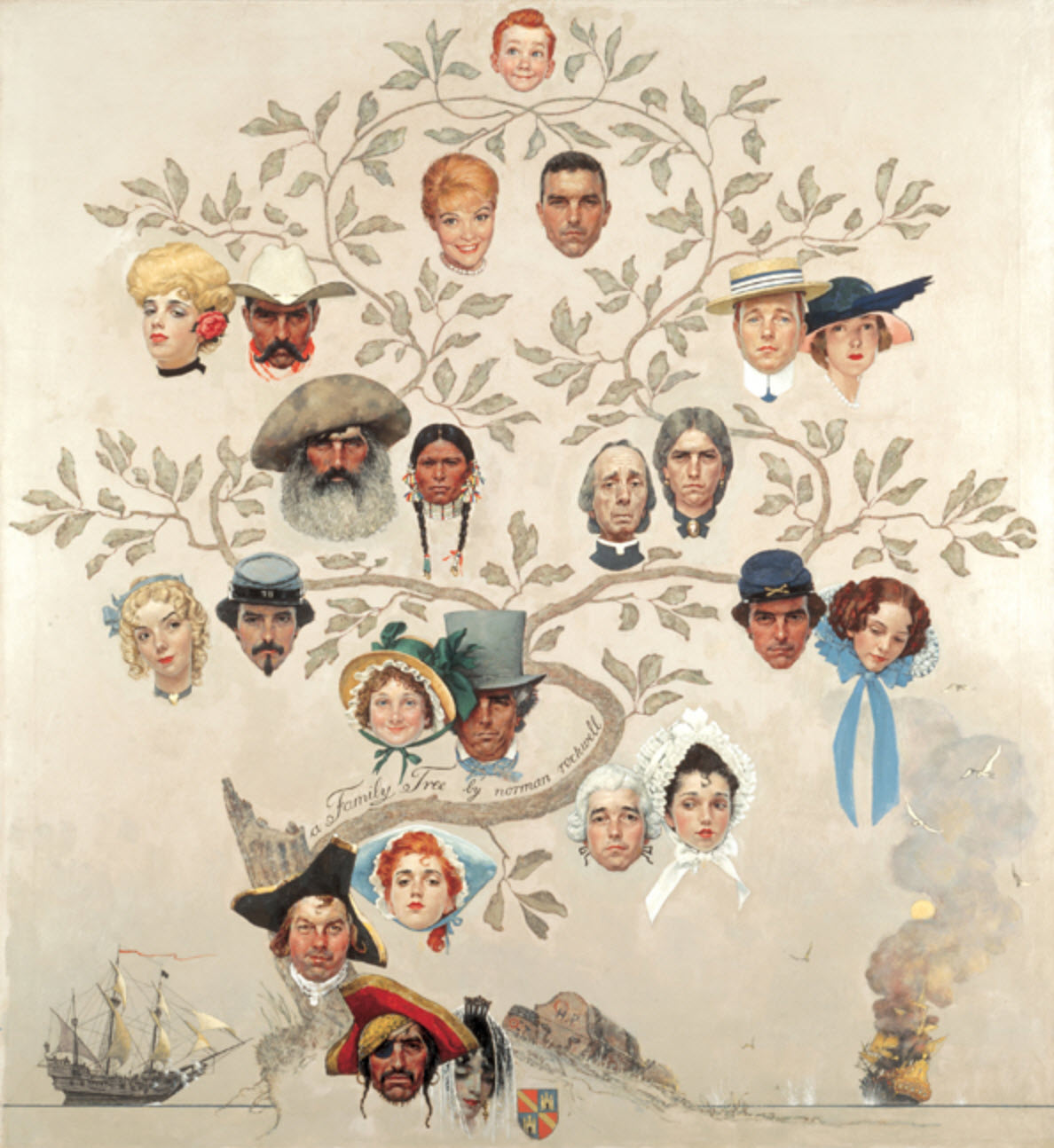
I am often asked where I find the information used to build my family tree. I’ve put together a list of some of my favorite software programs and websites that have been invaluable in my never-ending search.
However, before you dive in, I cannot encourage you enough to record your sources. Whether it is a story from your grandmother, or a census record on Ancestry.com, write it down. Every data point should have a connected source. All too often, I come across trees that have zero citations, or records meant for other individuals that have accidentally been attributed to their ancestors. This can easily lead you down the incorrect path, and this faulty data is often copied and pasted into new users’ trees, causing misinformation to spread. With a little attention to detail and a commitment to precision, you can avoid these common errors.
Also, finally, learn from my mistakes – if you sign up for a free trial to any of the following websites, be sure to put the cancellation date on your calendar, or a reminder on your phone, so you don’t forget and get charged 🙂
Family Tree Maker by Software MacKiev
While it is possible to create a family tree online for free, I prefer being able to access my tree with or without internet access. I also like having more control over how sources are organized and prioritized. The program can sync with your trees on Ancestry.com and FamilySearch.org. It is currently available as a direct download for $79.95, though you can pay a little more to get a DVD copy or a special edition box and USB drive. I’ve used this program since 2004, and I can’t imagine doing genealogy without it.
Snagit by TechSmith
I like to keep digital copies of every source, and this often requires obtaining screen captures of an online record. Sometimes, however, these records span several page lengths. Rather than piecing together multiple screen captures on Paint, Snagit allows you to capture a scrolling page. I use it constantly, and it has been well worth the $49.95 for me.
paint.net
This is a free program that is almost like a knock-off of Adobe Photoshop. I use it to edit, repair, and resize old photos.
Ancestry.com
People often ask me if Ancestry is actually any good, and I answer with a resounding YES. I love it. After compiling information collected from my parents, grandparents, aunts, uncles, etc., I first went to Ancestry to search for records. They are adding new sources constantly, and I find their website very user-friendly and easily navigable. While I don’t care for their online tree maker (as I said before, I like to organize things myself), when you upload your tree from Family Tree Maker, Ancestry gives you hints in the form of a shaking leaf over each family member when it has found records that may match your relative. It isn’t always accurate, but it has been very helpful. You can do a 2-week free trial of Ancestry, or monthly memberships range from $19.99 to $44.99. The cheapest membership allows access to United States records only, while the more expensive ones offer access to international records and other sites, like Fold3 and Newspapers. If you’re going to stick with it, it may be worth purchasing a 6-month membership to save a little money. These range from $99.00 to $199.00. Discounts are offered on occasion, usually around holidays. Also, many libraries offer computer labs with free access to Ancestry.
FamilySearch.org
Not ready to commit to Ancestry? FamilySearch is a free website hosted by the Church of Latter Day Saints that offers many similar records. However, I find Ancestry’s indexing to be better and their website to be more user-friendly. I will usually check FamilySearch to make sure they don’t have a record that Ancestry is lacking, and the search is occasionally fruitful. FamilySearch also offers a free family tree builder, which I have not tried.
FamilyTreeNow.com
This free website has come under fire on social media sites for being a bit creepy, but I love it. It’s really only useful for tracking down living, or recently deceased, family members. It compiles information from public records, and gives a person’s name, birth year, possible relatives and associates, addresses, and phone numbers. I’ve checked my own record, and while the information isn’t 100% correct (especially the dates associated with addresses), it’s accurate enough that I use it regularly.
Newspapers.com
This website is AMAZING. I love it so much. The site has indexed over 300 newspapers so you can search for your relatives based on dates and locations. I have found obituaries, birth announcements, in-depth descriptions of weddings from the late 1800s, overviews of criminal cases, and more. It’s so much fun. My subscription came with my Ancestry.com membership, but it can be purchased separately for $7.95 to $19.90/month or $44.95 to $74.90 for 6 months.
GenealogyBank.com
This is another website that archives newspapers. I don’t find it as user-friendly as Newspapers.com (especially when it comes to downloading and trimming articles), but they have access to some newspapers that Newspapers.com doesn’t. It may be worth doing a free trial of both and seeing which one has more newspapers from the areas in which your ancestors lived. A GenealogyBank membership ranges from $19.95/month or $69.95/year. They often run specials, so be sure to search for coupon codes before purchasing. Also, if you’re not in love with it, be sure to cancel your free trial before the time is up, because they can apparently be pretty snippy over the phone if you try to cancel late. I’ve never had a problem with them, but it seems like a lot of other people have.
Fold3.com
This is a website hosted by Ancestry.com that provides access to loads of military records. Access is bundled with the more expensive Ancestry membership, or is available separately for $7.95/month or $79.95/year. I haven’t found any terribly useful military information on this site, but I did find a 70+ page FBI case file on my great aunt who got herself into a heap of trouble, and that was fascinating. I don’t know that I’d pay for the site if it wasn’t rolled into my Ancestry membership, however. They do offer a week-long free trial if you’d like to poke around.
Legacy.com
This free website archives obituaries from newspapers from the United States and a few other countries, starting in 2000. It isn’t usually the first place I look, but I have had some luck on it. It will occasionally link out to a newspaper’s website, and some of these require you to pay for a membership to that specific newspaper in order to see the record (no deal).
FindAGrave.com
Another free website, Find A Grave relies on volunteers to photograph tombstones and create online burial records for cemeteries all over the world. Some users also upload photographs and obituaries for their relatives on this site. You can search its records directly on their page, or via Ancestry or FamilySearch.
Google.com
Through Google, I’ve found some personal family tree websites with information on ancestors, or records for specific counties or states. For example, I came across a website called Mackley Genealogy that has uploaded obituaries clipped from old newspapers in St. Francois County, Missouri. I have found a lot of records for my relatives here! If I hadn’t searched Google for information on St. Francois County, I would have never found this information. It’s not always that successful, but it’s worth a try when you’re having trouble tracking someone down.
Books.google.com
Google has been scanning in books, and making the pages searchable. This can be a great source of information for older ancestors. I have found some obscure genealogy books with a wealth of information on family members through Google Books. Some books are only available in “snippet view”, which only allows you to see small bits and pieces of the book, however. While this is frustrating, the site does show you the book’s information and helps you track down libraries that may have it in stock, or websites that sell it.
USGenWeb.com
This free website consists of thousands of websites specific to individual counties. These county websites are usually maintained by volunteers, who have collected and uploaded information about residents of their county. Some sites haven’t been updated in years, and others are tended to regularly.
Genealogy Libraries
Many local libraries have a genealogy department. These libraries will typically have records specific to their county and state, and possibly those nearby, while some have records from all over. State libraries, usually found in state capitols, tend to be particularly well-stocked. There are also a few large genealogy centers in the U.S., and though many are located in Utah or Washington, D.C., the Midwest Genealogy Center in Independence, Missouri, is like heaven on earth. Be sure to bring along your laptop, a charged phone to take pictures of book pages, a handheld scanner, or change for the Xerox machine, so that you may keep copies of any information you find. Many of these libraries have computers with free access to Ancestry.com.
Hiring a Researcher
The National Archives in Washington, D.C. lists hundreds of professional researchers who can help you access their records. Much of the information is not availiable online yet, so you may find it necessary to reach out to a professional to do some digging for you. For example, I had found a Civil War widow’s pension application on Ancestry that only provided a name and a number. I suspected that this may be my great-great-grandmother, but couldn’t tell for sure based on the information on Ancestry. I e-mailed a researcher on the National Archives website, and for $75, he scanned in over 70 pages of original documents from my ancestor’s pension file, including marriage certificates, hand-written accounts of the births of their children, and so on.
 Rogers & Jones
Leave a comment